A mind map from your notes, in one line
Describe a topic or point at a note, and AI builds a structured, colour-coded mind map. Then it stays live — expand it, edit it, ask about any node.
Not a picture. A thinking tool that talks back.
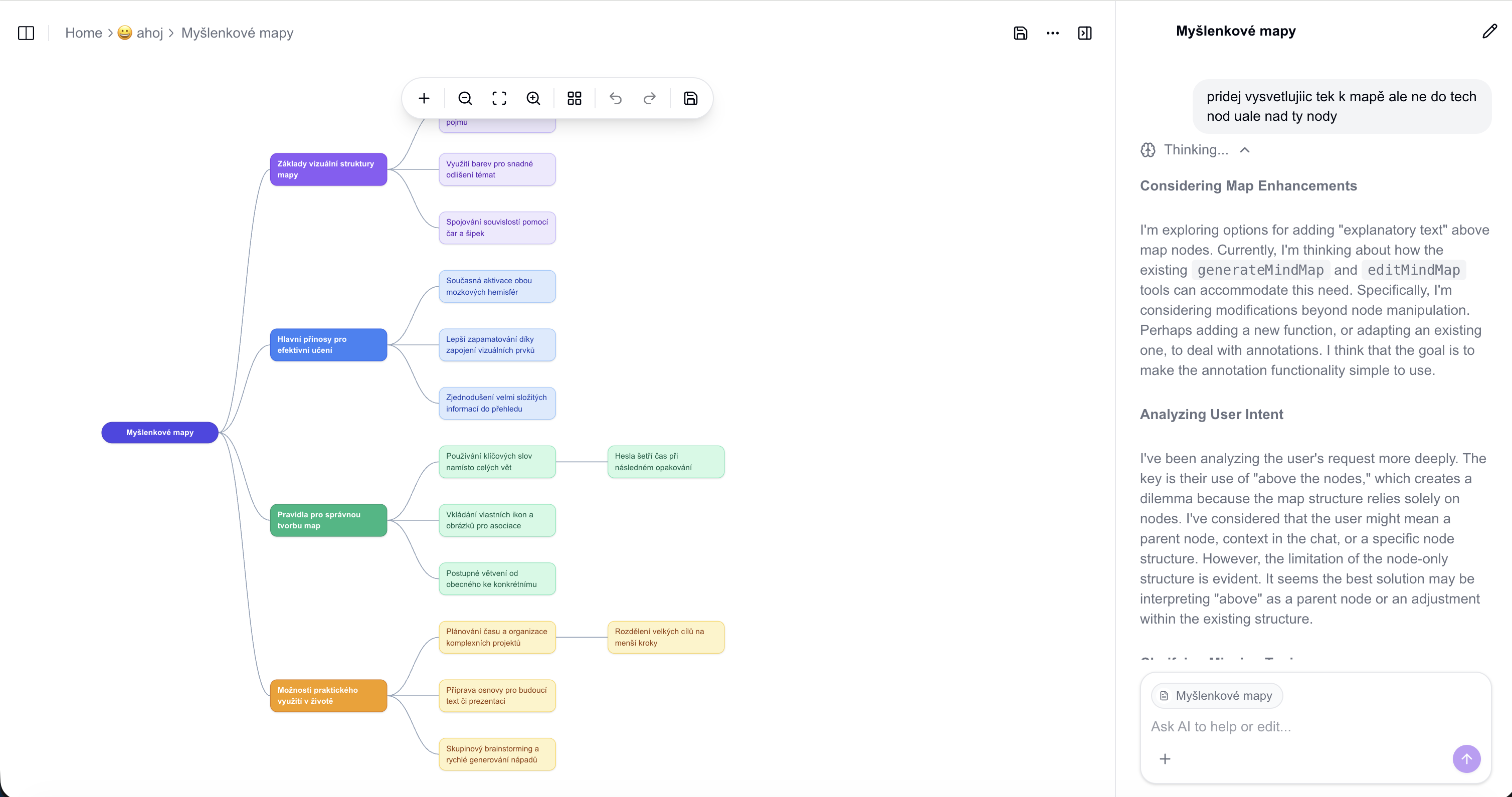
Type a topic, get the whole map
One prompt — "the French Revolution", "photosynthesis", "how HTTP works" — and AI generates a full branch structure with sensible groupings and colour coding. No dragging boxes around for an hour.
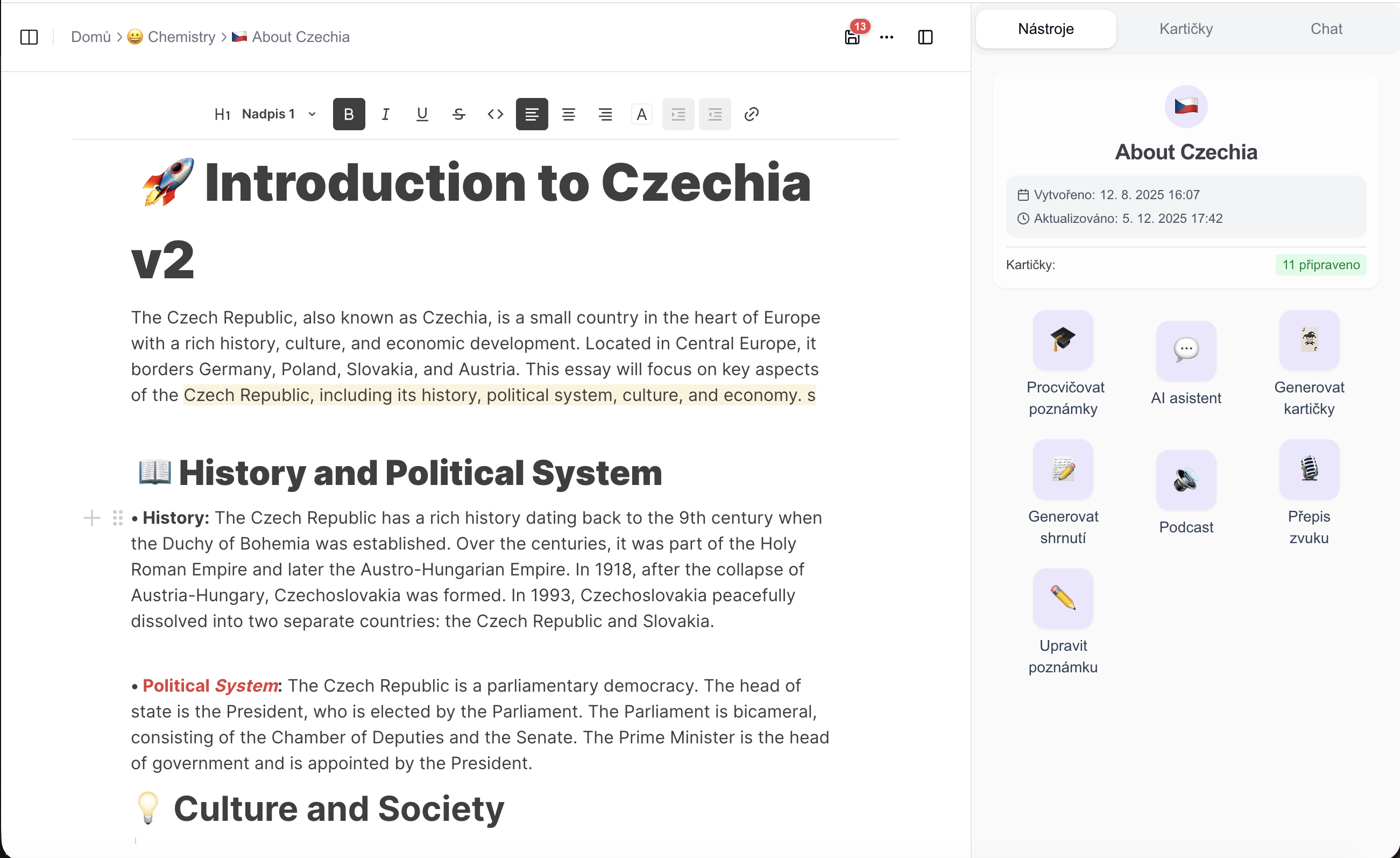
Or build it straight from a note
Open any note and ask for a mind map of it. AI reads the actual content — not a guess — and drops the map in as a live block you can keep editing without leaving the page.
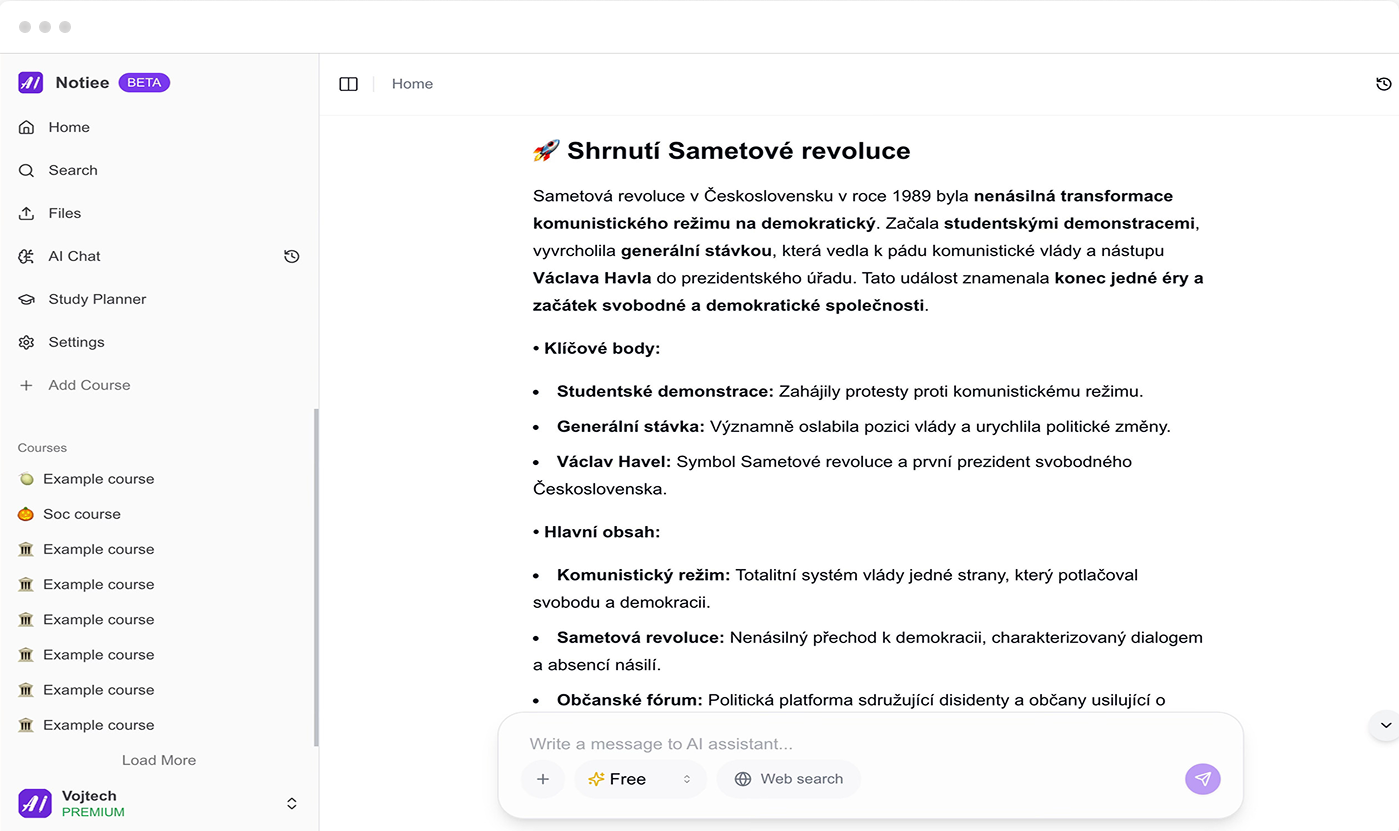
Ask any single node to explain or expand
Right-click a node. "Explain" and AI tells you what it means and why it matters — in the side chat, without touching the map. "Expand" and it adds a few child nodes under just that branch.
Everything else it does
A real editor, not a one-shot generator.
Start from blank
Skip the AI entirely — open an empty canvas with one root node and build the map by hand.
Versions you can restore
Every AI edit is a version. Went too far? Roll back to any earlier state of the map.
Embed in a note
Drop a mind map into any note as a block. It stays interactive and editable right there in the document.
Export as SVG or PNG
Take the finished map out for a slide deck, a printout, or a shared study guide.
Turn your next chapter into a map
Start for free. Your first mind maps are on us.