Flashcards you don't have to type
Drop in a PDF, your slides, or a topic. AI turns it into a study set in seconds — then a proven spaced-repetition algorithm decides exactly when to show you each card.
Made in seconds. Scheduled by science.
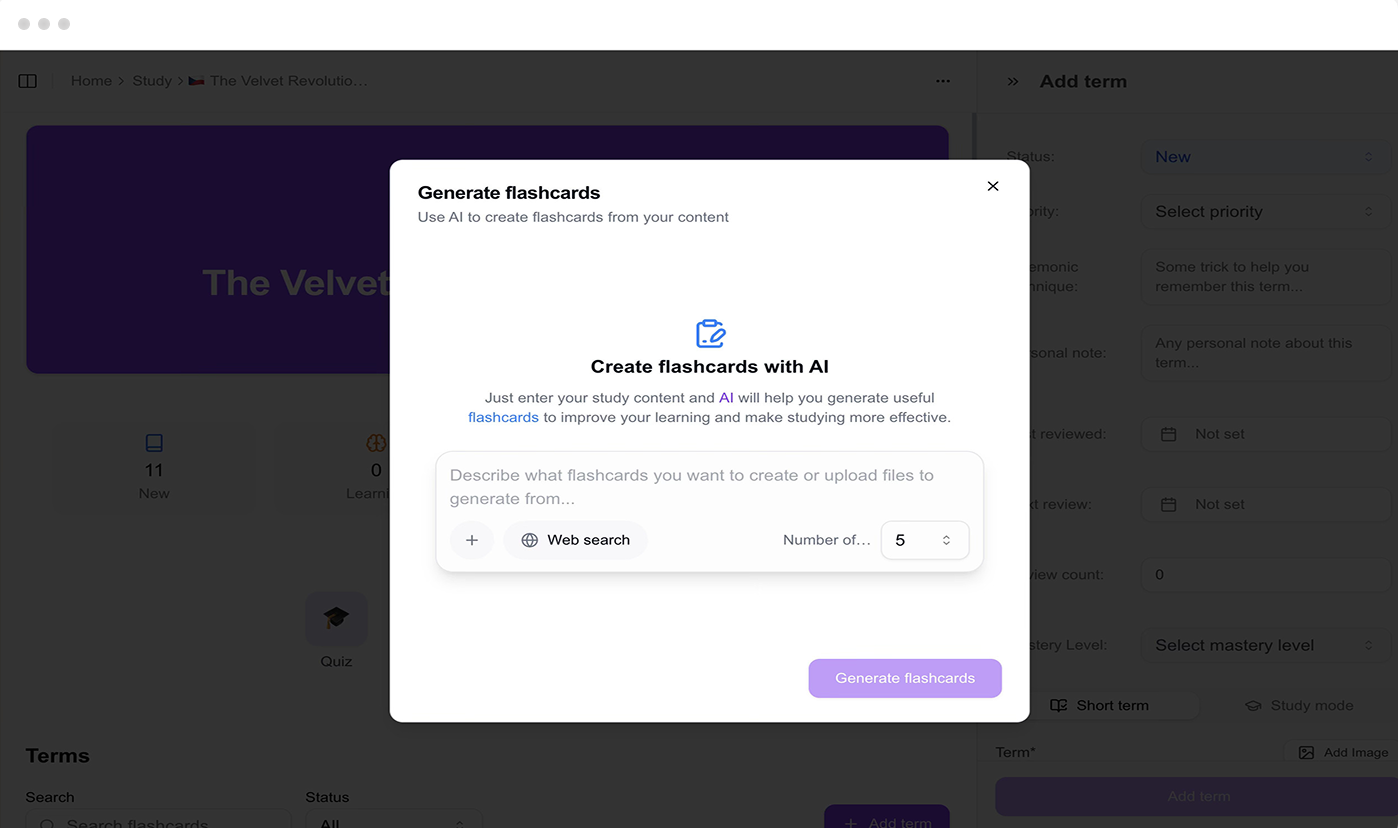
Generate
From a PDF, a URL, or just a topic
Upload files (PDF, Word, images, audio), paste text, drop a link, or describe what you're studying. Pick short cards (term–definition) or detailed ones (with examples and practice questions), set a count or let AI choose, and merge into an existing set if you want.
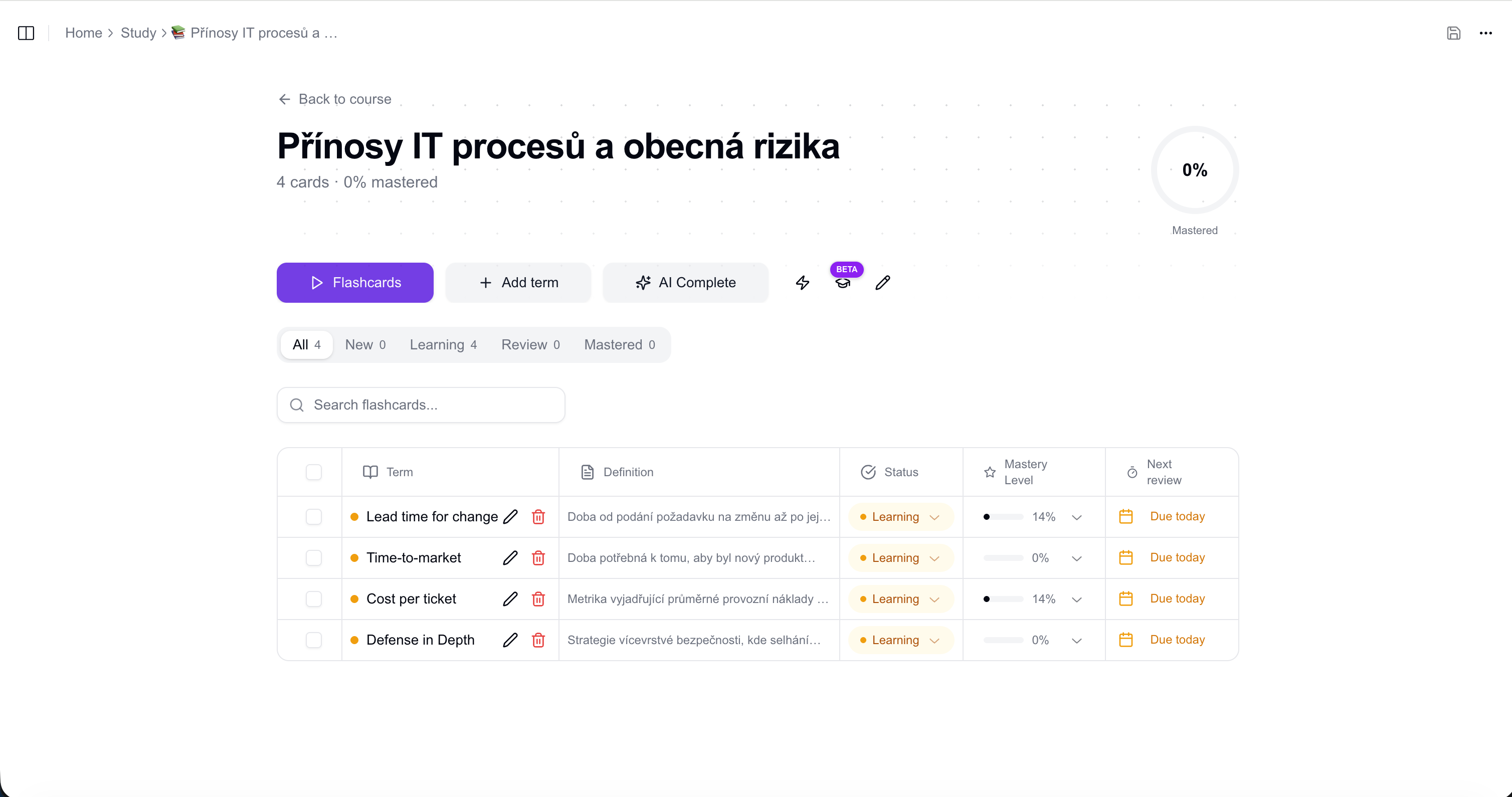
Remember
Spaced repetition that actually works
Notiee schedules cards with FSRS — the modern spaced-repetition algorithm Anki offers too. Every card moves through New → Learning → Review → Mastered based on how you rate it, and everything due lands in one "today" queue across all your sets and courses.
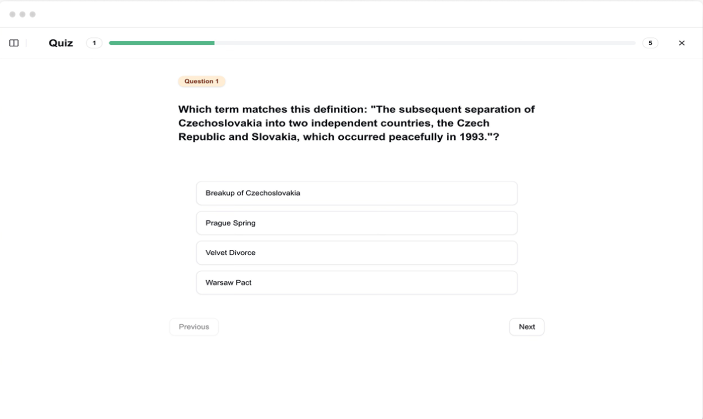
Drill
Three ways to test yourself
Flip through the cards, take a Quiz (multiple choice, true/false, or matching pairs), or use Learning mode — which works terms in small chunks and flags any card you miss three times for another pass. Every result feeds back into the schedule.
Details that make them yours
Generated cards are a starting point — you stay in control.
Mnemonics & personal notes
Add your own memory hook and private notes to any card. They show up only for you, right when you review it.
Edit anything, or AI-complete one
Fix a wording, or hit "AI Complete" to fill out a single card with alternatives and examples.
Study-mode fields
Detailed cards carry wrong answers and alternative phrasings, so quizzes feel like a real exam.
Share a set
Send a set to a classmate with a link. They study it, or copy it into their own account.
Stop making cards. Start learning them.
Start for free — your first AI-generated set is on us.